Next Gen Automation: Feature Spotlight
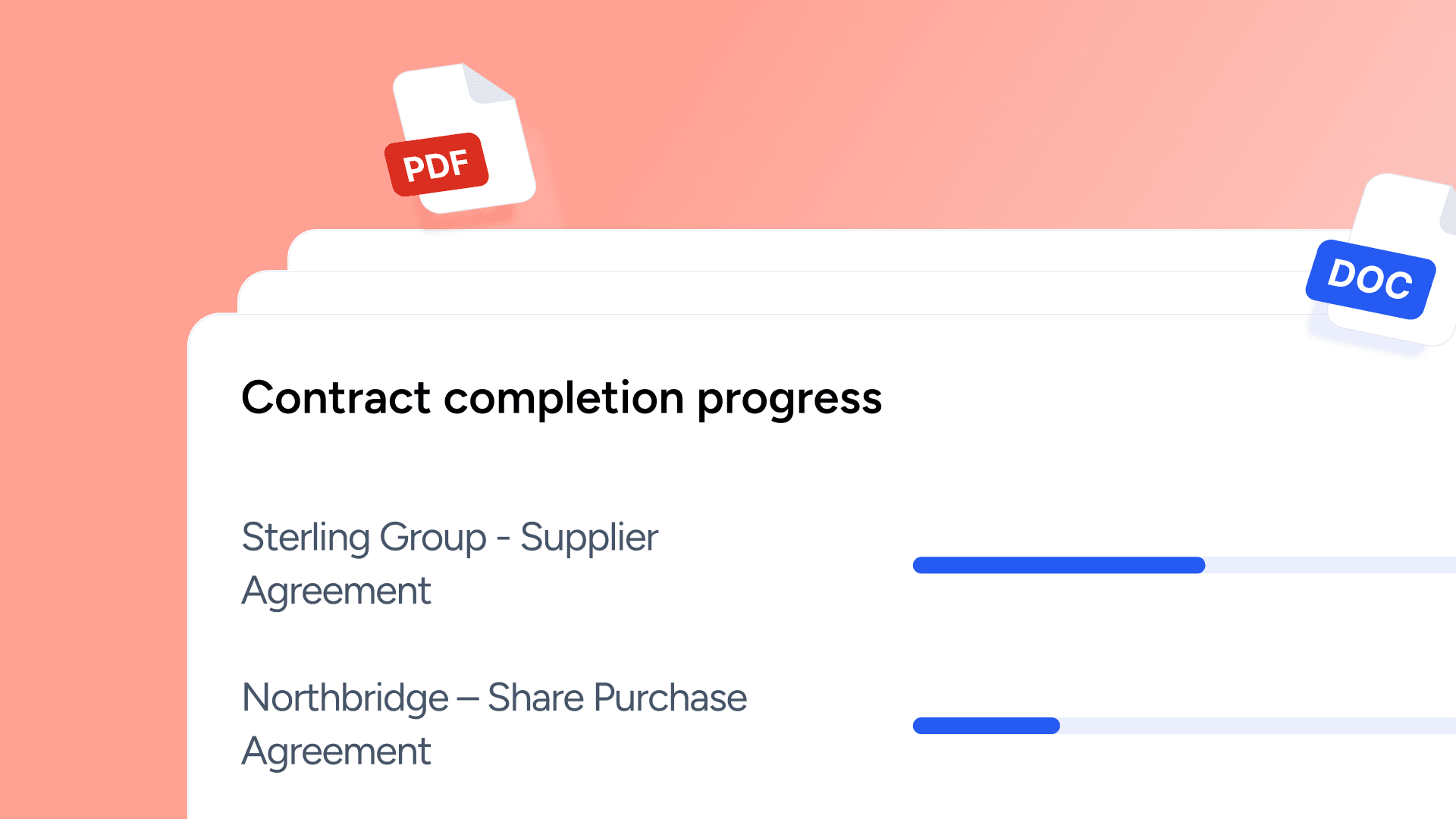
Welcome to the first edition of In Practice, our product update bulletin sharing the latest news, improvements, and notes from the Platform Team.
In this edition, we’re looking back at the last few months, where our focus has been on strengthening the parts of the platform teams rely on most: complex templating, bulk drafting and the systems around them. The result is more predictable behaviour at scale and workflows that just work.
Here is what is new in Avvoka.
Templates and Questionnaires. Simpler to build.
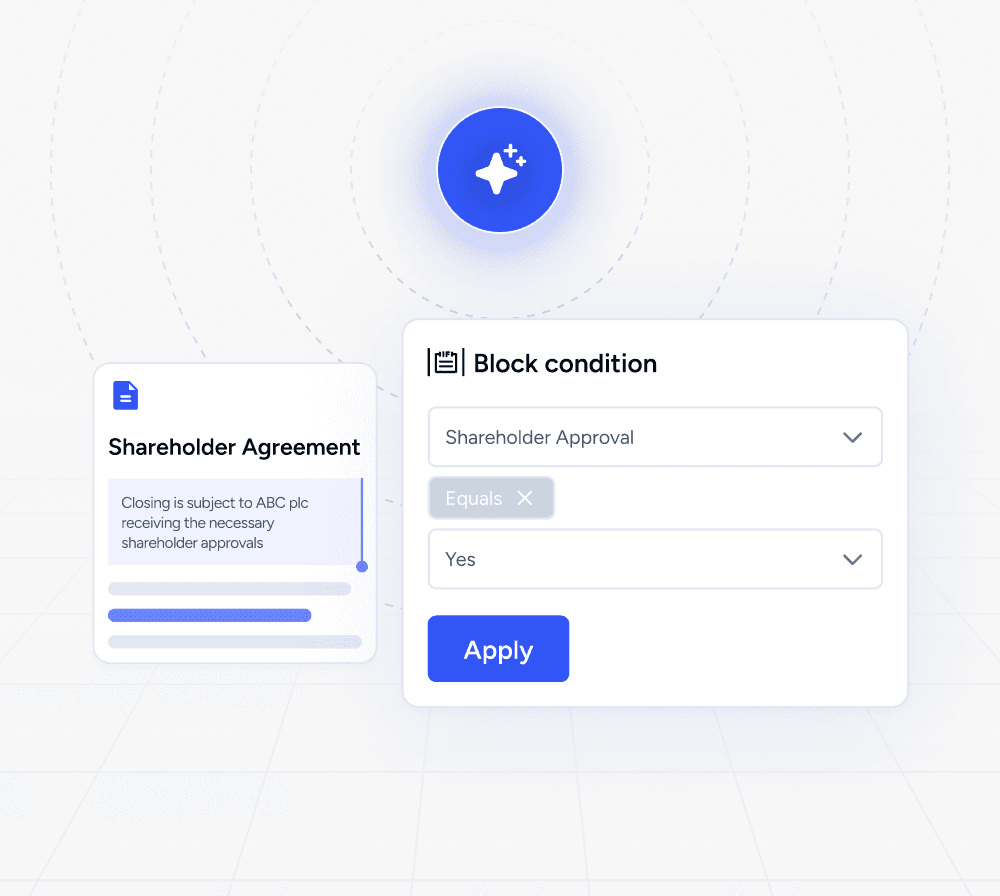
The easier and more intuitive it is to build templates, the faster you can move. We’ve focused on making template building faster, smarter and easier to organise.
What’s changed
Work on the questionnaire and the template side-by-side, keeping fields and logic aligned as you build and shape your template.
Draft faster with improved UX/UI & attributes search. Find and reuse attributes more easily, helping to keep your templates consistent as they develop. Learn more.
Easily find, use, and organise Template Packs directly from the Create and Templates pages. Filter Template Packs and add to folders to keep everything in the same place you already work. Learn more.
AI Drafting. Fitted into existing workflows with clearer control.
Our recent AI developments have helped teams focus on fitting AI into established drafting and templating workflows, with clear configuration, control, and attribution in environments where both usage and outputs must be fully understood.
What’s improved
Set up a smoother process for templates with Smart Automation. Detect placeholders and conditional logic, identify e-signature tags, and automatically generate the questionnaire with our updated smart automation engine, powered by AI. Learn more about it here.
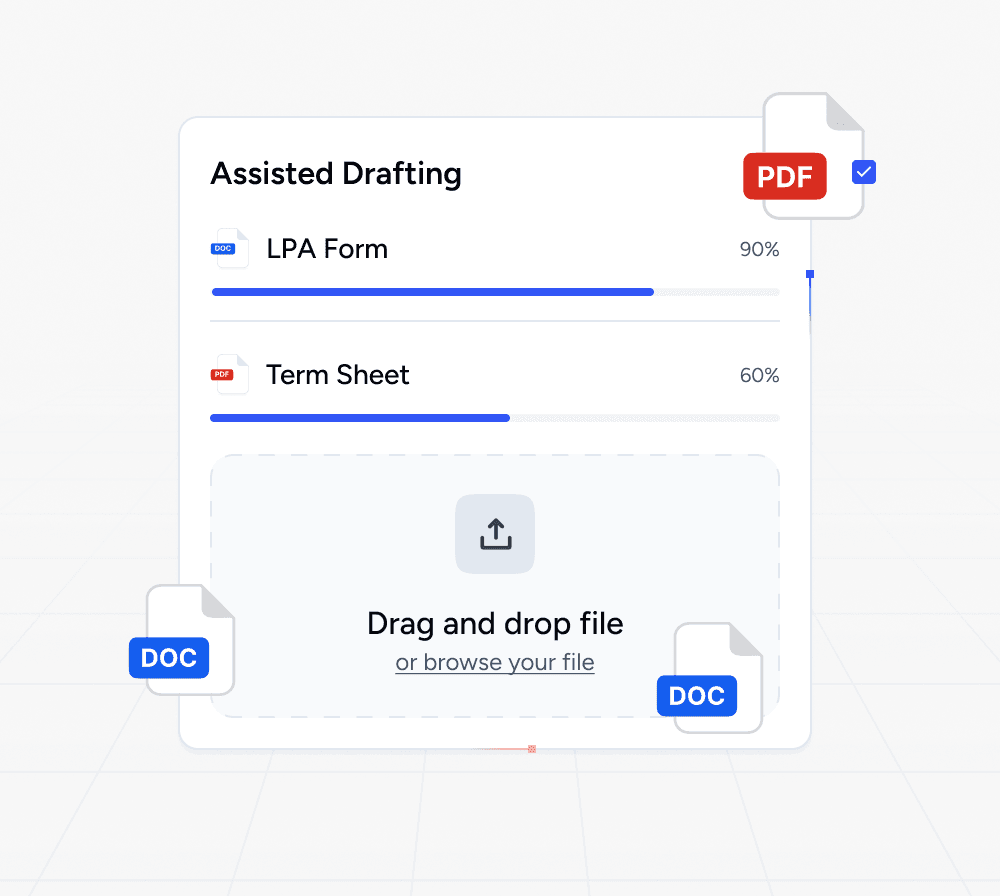
Filling out the questionnaire is now faster than ever. DraftAssist uses AI to extract information from documents or emails and automatically fills your questionnaire fields. You can now upload multiple files at once, merging them into a single set of answers. Learn more about DraftAssist.
Keep full control by enabling or disabling AI features at organisation level.
Tailor and personalise the prompts for AI features to match your drafting
standards, including SmartAuto, Draft Assist, Conditions, Operation and Questionnaire Builders, AI Data Review and more.
Data Integrations. Clearer inputs, more predictable outputs.
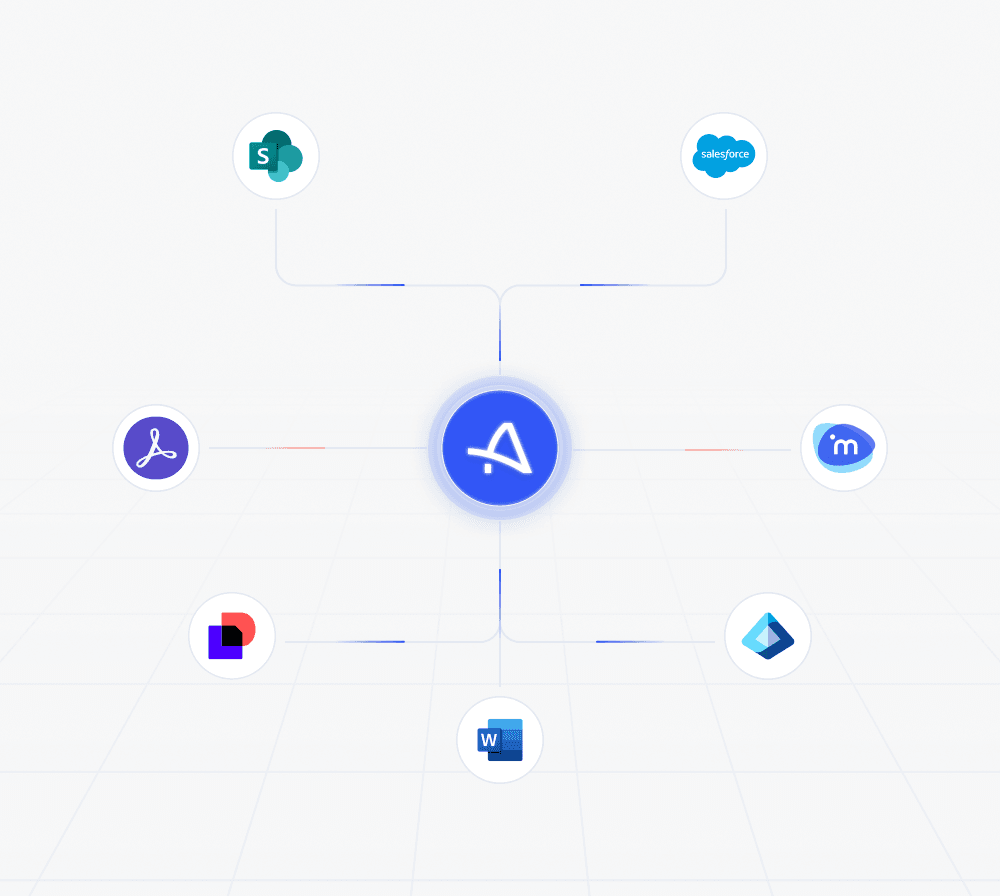
We’ve made it simpler to get the right data into your documents, making document drafting faster, more accurate, and easier to scale, while enhancing the experience for both internal teams and external contributors.
What’s changed
Pull data directly into documents to reduce manual entry and errors as you draft: use external queries to connect the Avvoka platform to your internal databases, CRM tools and public registers such as Companies House and the Land Registry. Learn more.
Template packs now work with our API, not just standalone templates, allowing sets of related documents to be generated or exported in a single flow.
Share specific sections of a questionnaire externally, collecting users' answers securely, with the option to prefill responses before sending, and reducing the back and forth to speed up completion. Learn more.
Clearer control at volume with Massdraft.
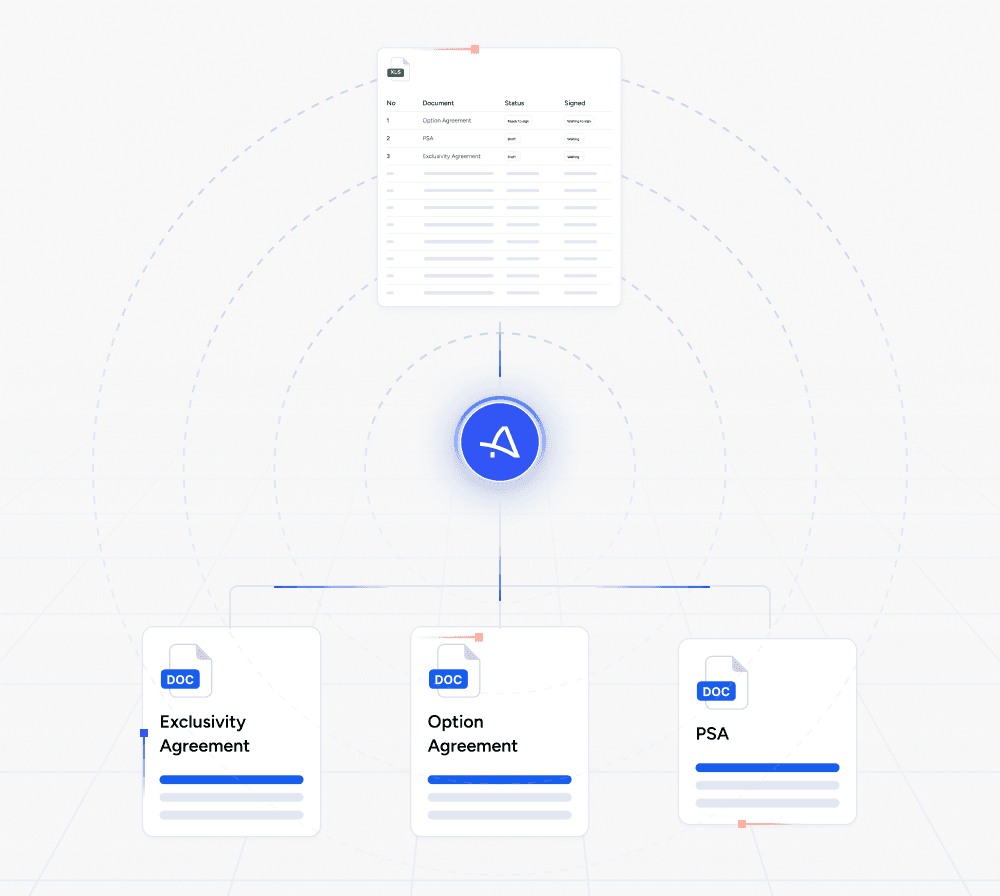
Massdraft is Avvoka’s platform for creating, managing, and signing contracts at scale. Recent changes focus on easier data mapping, advanced signatures to comply with EU standards and smoother user experience.
What’s changed
Upload spreadsheets or data exports in almost any format and Avvoka will intelligently map and label the data. No pre-formatted templates or manual column mapping required.
Docusign supports witnesses and EU Advanced (eIDAS AES) signing.
You can re-run Smart Automation during templates upload to refine mapping without having to restart.
Clearer tracking across large runs with the updated execution dashboard.
Looking ahead
As we start a new year, our focus remains on building tools that feel dependable, considered, and genuinely useful in practice. This includes continuing to refine the platform experience, alongside improvements to core workflows and support for teams working at scale.
That is all for this month’s In Practice. Thanks for reading. We will be back soon with more updates.