Next Gen Automation: Feature Spotlight
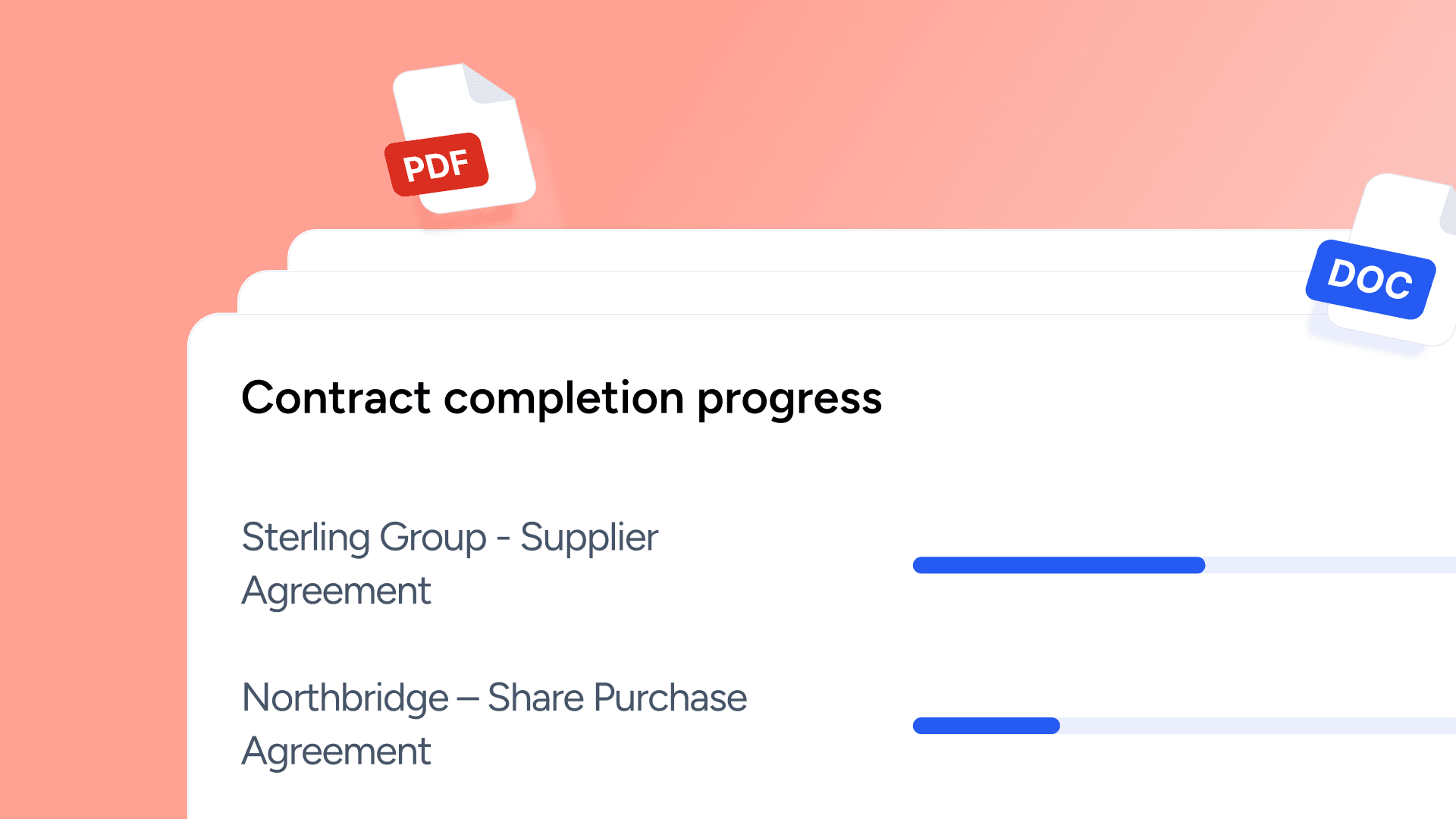
March brought a series of practical updates across Avvoka, focused on making document automation easier to navigate, simpler to manage, and more effective at scale.
From a more intuitive user experience and faster template organisation, to smoother external collaboration and improved control in Massdraft, these changes are designed to help teams work more efficiently across the document lifecycle.
Here’s what’s new in Avvoka.
User Experience. Simpler. More intuitive.
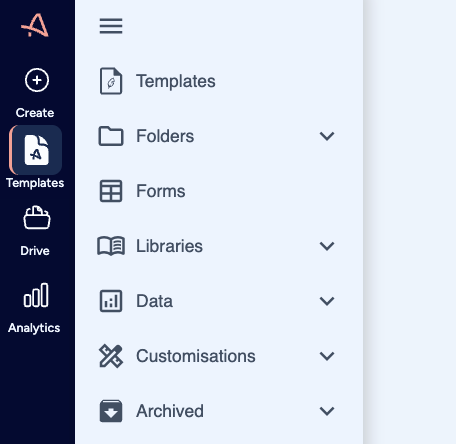
We’ve refined the platform’s design to make navigation clearer and the overall user experience more intuitive.
What’s changed
Access key areas faster with the new navigation sidebar. This redesign places the main navigation clearly in view at all times, moving it from the top bar into a streamlined, always-visible panel on the left side of Avvoka.
Templates. Easier to organise.
We have improved how templates are organised and managed, helping teams work more efficiently with them and with greater control.
What’s changed
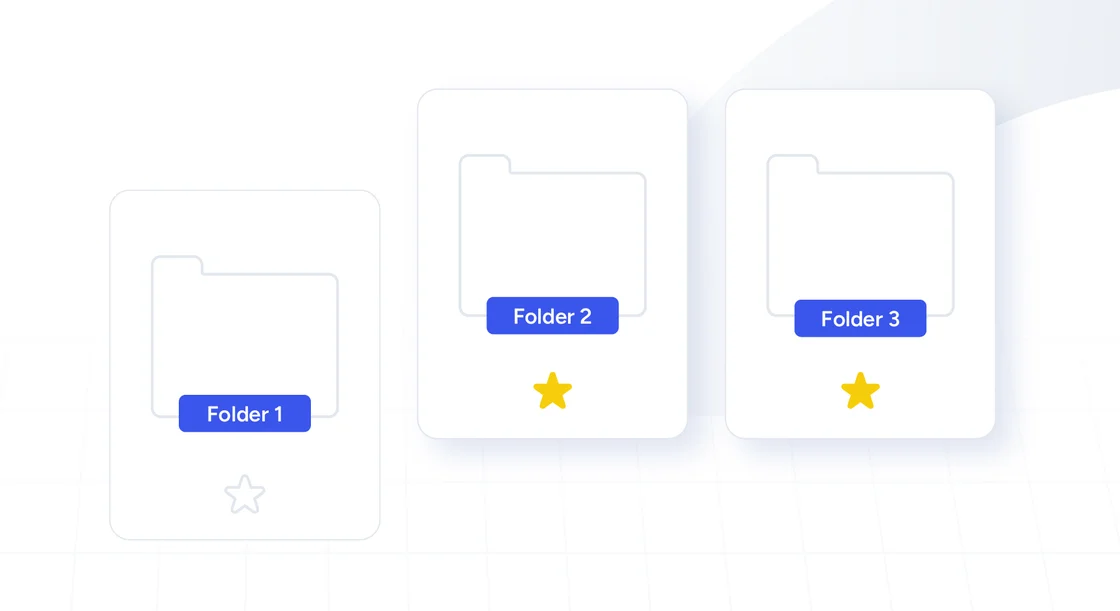
Find what you need faster. Mark templates, template packs, documents and folders as Favourites to keep them within easy reach. Star an item to add it, unstar to remove it; it’s personal to you. Favourites appear at the top of listings (including when filters are applied), so the documents you use most are always first.
Manage templates with less friction. Template packs let you create a bundle of documents from a single questionnaire. Now you can duplicate a template pack structure in a click, without duplicating the underlying templates. Ideal for testing, or when you only need part of a pack, not the full set. Skip the overhead of stripping out unnecessary documents.
Drafting. Less back and forth.
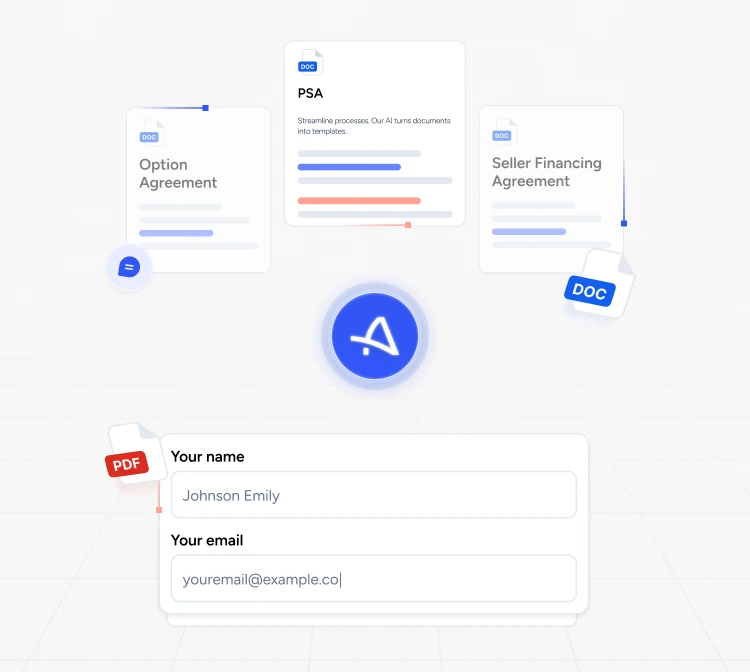
We’ve continued to improve drafting workflows, helping teams keep work moving, reduce manual follow-up, and collect input from external contributors more reliably.
Better external collaboration. Client Forms make it simpler to collect information from external users, without the back and forth of email. External users do not need to be on Avvoka to complete a questionnaire, and their responses flow directly into your documents. Forms can also be shared widely, making collaboration more reliable. Learn more
What's improved in Client Forms
Keep work moving. Automatic reminders now prompt clients to complete forms before they expire, helping responses come back on time and flow directly into your documents.
Massdraft. More control at scale.
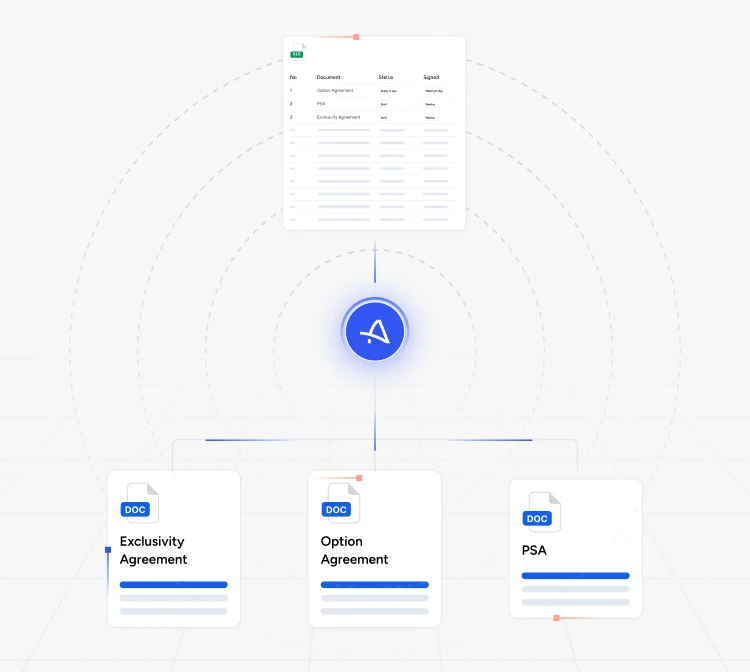
As teams scale work in Massdraft, speed and control matter just as much as flexibility. Recent updates focus on making template creation faster and organised, while maintaining governance at volume.
What’s changed
Creating templates faster with Smart Automation. AI-powered Smart Automation detects placeholders and conditional logic, identifies e-signature tags using our updated smart automation engine.
Organise templates more clearly. Use folders and subfolders, with breadcrumbs, icons, drag-and-drop, and “Add to folder” actions to keep everything in order. Access settings help maintain control, so users only see the folders that are relevant for them.
That’s all for March. We’ll be back soon with more updates.