
SWITCHING FROM NETDOCUMENTS PATTERNBUILDER?
Switch from NetDocuments PatternBuilder to Avvoka with a practical migration plan.
A guide to migrating your document automation from PatternBuilder to Avvoka. What each does well, what improves on Avvoka, and how we de-risk the move.
4 phases
Audit, rebuild, go-live, adoption
8–12 weeks
Typical first migration wave
0 downtime
Parallel running before cutover
ABOUT PATTERNBUILDER
PatternBuilder is a document automation tool
This article is here to help you decide whether a NetDocuments-native tool or a standalone, DMS-agnostic platform is the better foundation for your team's drafting. Here's how the two compare.
Native to NetDocuments
PatternBuilder is built into the NetDocuments platform, so it inherits document storage, security and compliance controls from the DMS.
Low-code knowledge
Lawyers can create automations without programming skills, IT support or outside developers, with outputs generated into Word and PDF documents.
Base-level automations
PatternBuilder enables you to deploy basic automations which can meet firm needs, however it struggles going a level further in a modern drafting setup - such as for larger documents, more volume, or more complex automations.
What it means when Avvoka becomes the automation layer.
DMS-agnostic platform
Avvoka is not tied to one document platform, making it a strong fit for teams not committed to NetDocuments as their document management system.
Take back the pen
Avvoka gives teams a Word-like, no-code authoring experience so the people closest to the documents can own and maintain templates.
A faster and better first draft
Beyond document assembly, Avvoka brings in-document edits, redlining and e-signature into the same workflow as drafting.
Integration planning
Existing NetDocuments, Microsoft 365, e-signature, CRM, API and webhook connections are mapped during the audit rather than assumed.
MIGRATION PROCESS
A low-risk,
4 -phase route from audit to adoption.
Your PatternBuilder setup stays live throughout. We run both systems in parallel and only cut over once outputs have been validated and your team is confident.
01
Audit PatternBuilder automations, templates, data tables, workflows and integrations; agree what is worth migrating and retire what is not.
02
Rebuild your highest-value automations in Avvoka and validate outputs side by side against PatternBuilder.
03
Cut over after validation, with PatternBuilder available as a fallback until the team is confident.
04
Train users, monitor adoption and optimise so lawyers can own and maintain templates directly.
Key decisions to settle before you switch.
Integration handling
Document every integration you rely on today and remap it to Avvoka, including NetDocuments if it remains your DMS.
Plan early →
Rebuild, not copy
There is no automated PatternBuilder converter; rebuilding priority automations creates a cleaner, lawyer-owned foundation.
Rebuild cleanly →
Which platform fits
PatternBuilder capability may suit simple automation needs but slow teams down; Avvoka fits teams wanting more from their drafting tools.
Compare fit →
Common questions before switching from PatternBuilder.
Can I switch my PatternBuilder automations direct to Avvoka?
PatternBuilder automations are built in a no-code app model, so we rebuild the highest-value automations intentionally instead of trying to copy them directly. Building on Avvoka unlocks much more capability, speed, and performance.
Can we keep NetDocuments as our DMS?
Yes. If NetDocuments will remain your document platform, we scope that integration during the audit and plan how Avvoka should connect to it.
When should we stay with PatternBuilder?
PatternBuilder may remain the better fit if NetDocuments is your document platform and you are happier with basic automation.

Map a realistic migration
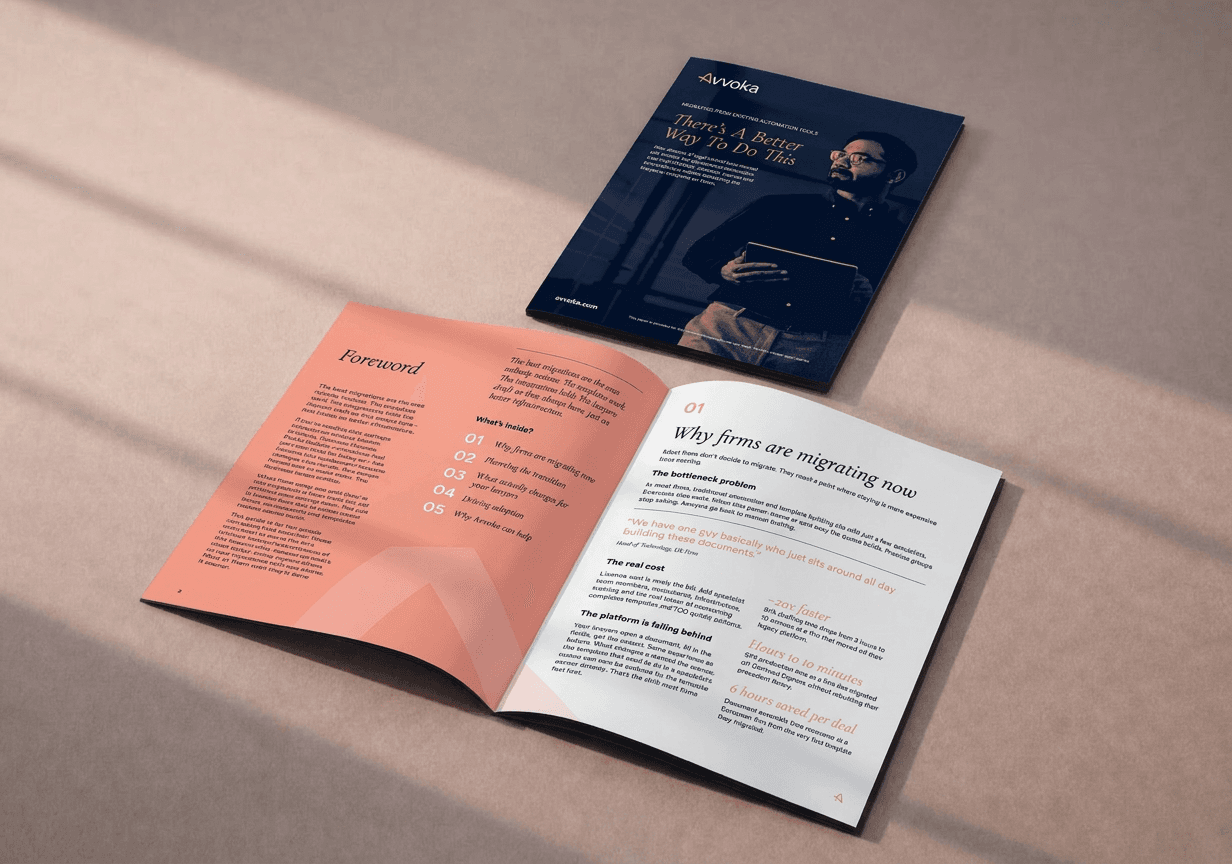
Download the Migration Guide for a practical framework to evaluate your current setup, plan your transition, and protect existing templates and logic.
Explore further
Switching from HotDocs
Template conversion, workflow optimisation, integration mapping and a practical no-code transition plan.
View guide →
Switching from ContractExpress
A detailed roadmap for template transition, workflow redesign, integration architecture and team adoption.
View guide →
Other legacy platforms
A migration guide for DocAssemble, BerkeleyBridge and other legacy automation stacks.
View guide →
READY TO MIGRATE?
Get your personalised PatternBuilder migration plan.
If you feel ready to explore, directly book a consultation to review your template estate, integration map, migration timeline and cost model for moving from PatternBuilder to Avvoka.